A revenue report you can defend
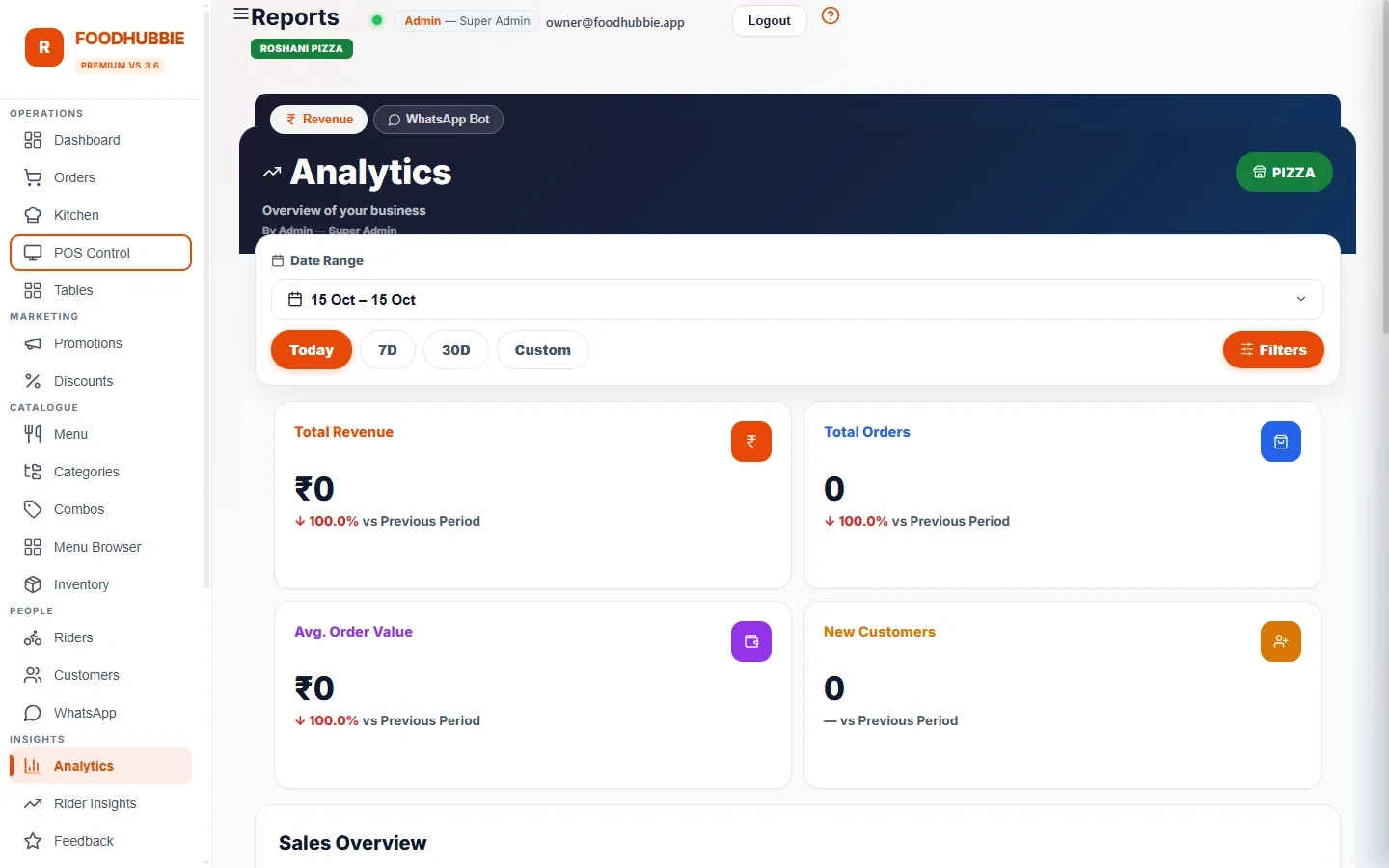
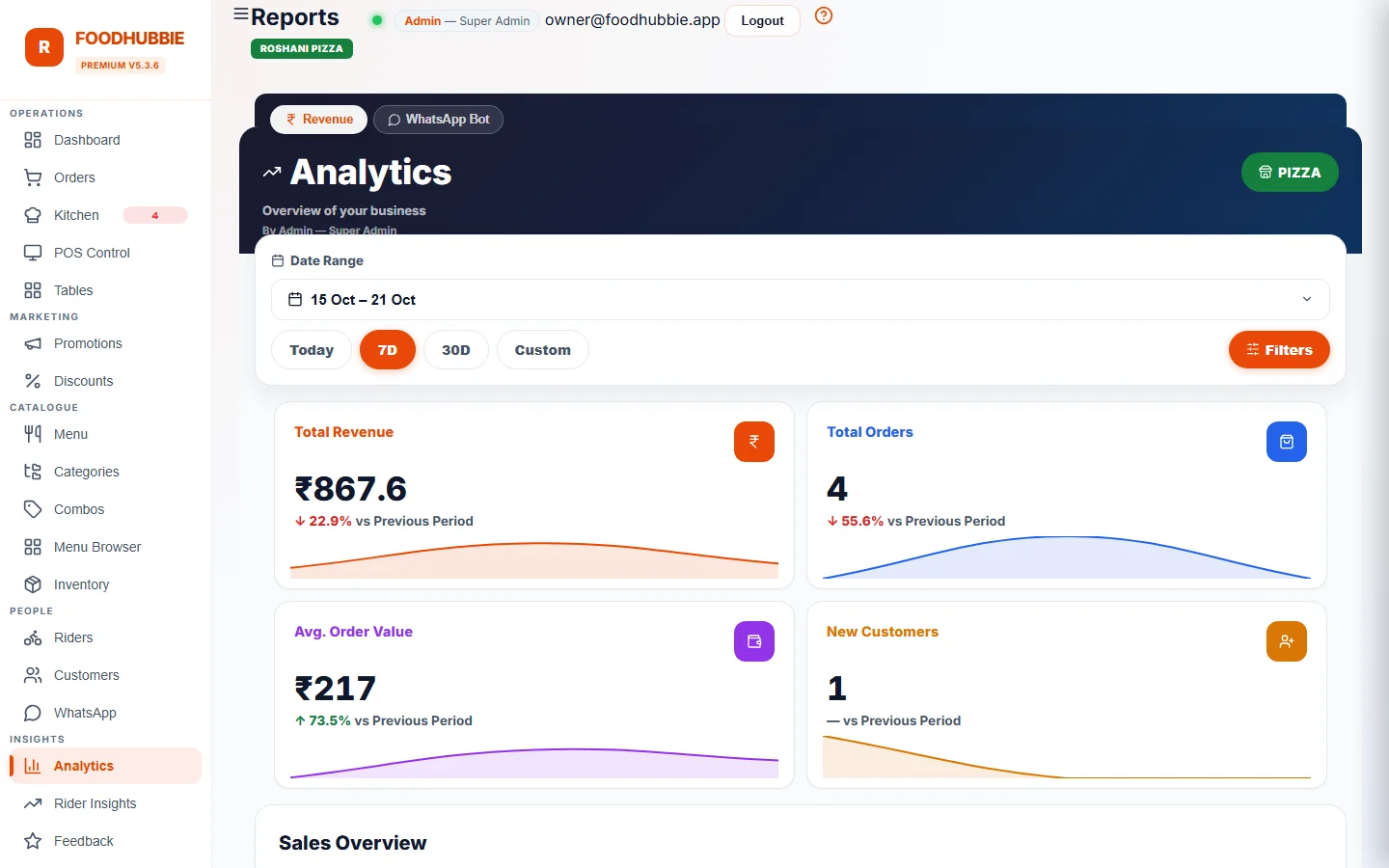
Pick a date range — today, this week, a festival weekend — and the report totals revenue from orders that were actually billed, with cancelled orders excluded. The previous period of equal length is fetched alongside, so every figure arrives with something to compare against.
What else feeds the picture
Every order in the range with its customer, channel and payment method — the answer to "where did Sunday's revenue come from?"
Deliveries and earnings per rider across the same period, with an earnings trend and its own export.
Which coupons and offers were redeemed, so a promotion is judged by orders rather than by messages sent.
Running costs sit next to revenue, and the per-order cost view keeps the ₹1/₹2/₹5 usage honest.
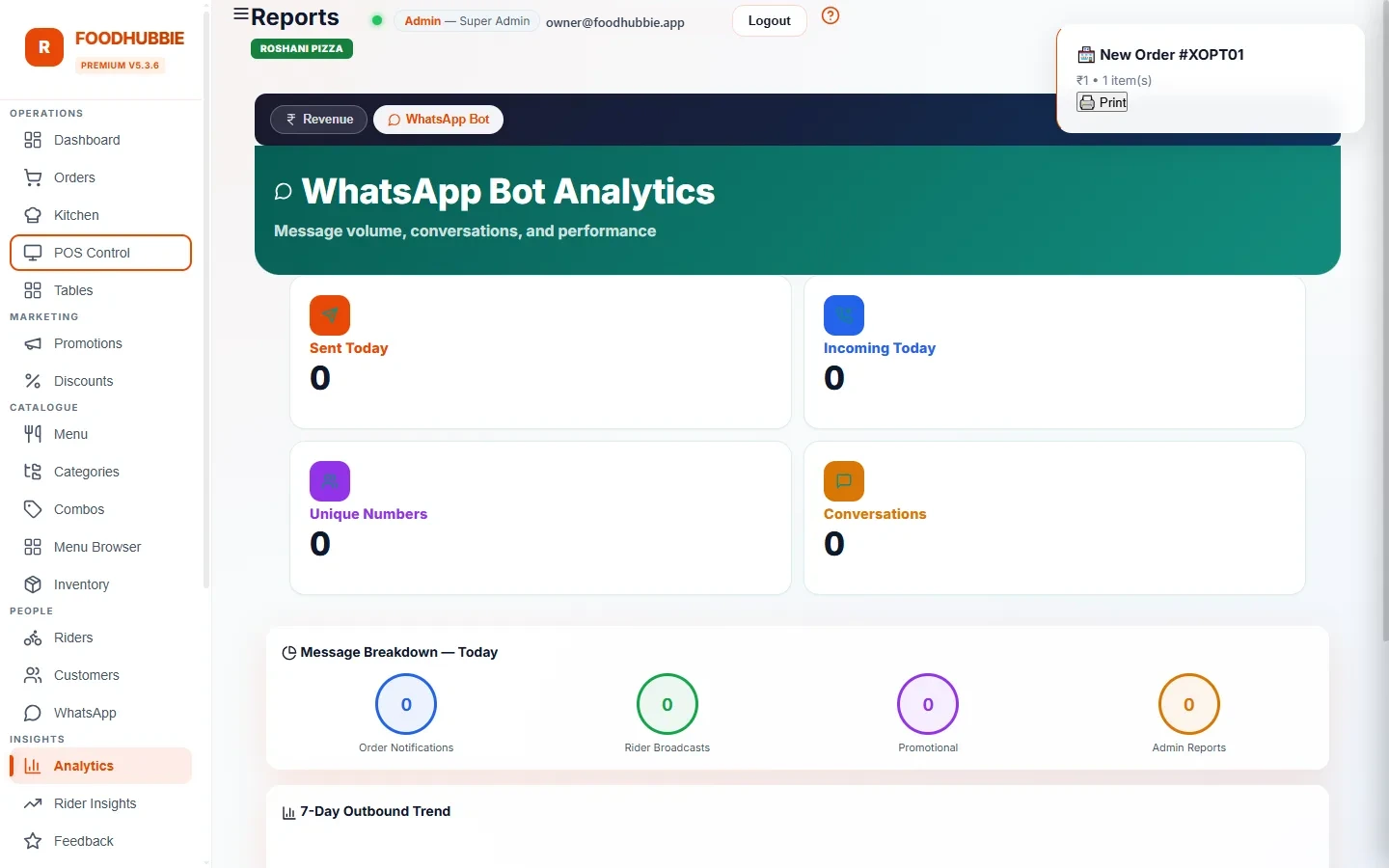
Messages sent per day, split into order notices, rider broadcasts, promos and admin alerts — the actual bill, not an estimate.
Reports read the same order records the POS, QR menu and WhatsApp ordering write — one source, not three exports to reconcile.
Month-end in four steps
A day, a week, the month to date, or a custom start and end date. The outlet filter applies the same way as everywhere else in the dashboard.
Revenue, orders and average ticket each show the change against the previous equal period — a rise in revenue with a fall in orders is a different story from a real lift.
The order table is the audit trail. Cancelled orders are already excluded, so the total matches what was billed.
Excel for the accountant, PDF for the folder. Both cover exactly the range on screen.
Reports are per outlet. For groups, see multi-outlet — each branch keeps its own numbers.
WhatsApp blast vs. recorded reports
Most small restaurants already have numbers — in a notebook, in a delivery app's dashboard, in a WhatsApp group at closing time. The difference is whether the number can be traced back to the orders behind it.
| Notebook / app dashboard | FoodHubbie reports | |
|---|---|---|
| Source of revenue | Written down at closing, from memory | Order records written at the moment of sale |
| Cancelled orders | Often still counted | Excluded from totals and exports |
| Comparison | Requires manual maths | Previous period fetched automatically |
| Order detail | Not retained | Every order, channel and payment method |
| Handover | Photographs of pages | Excel and PDF for the same range |
Reporting questions, answered plainly
Which reports does FoodHubbie give a restaurant?
A revenue report for any date range with total revenue, order count, average order value and unique customers plus a previous-period comparison; an order-level detail table; rider performance with orders and earnings; discount usage; expenses; and WhatsApp message usage per day.
Can I export the report for my accountant?
Yes. The revenue report exports to Excel for the spreadsheet and to PDF for a signed copy, both covering the selected date range and outlet. The rider report exports the same way.
Does it compare this week to last week?
Yes. The revenue report fetches the previous period of equal length, so a date range shows the change in revenue, orders and average ticket rather than a number in isolation.
Are cancelled orders counted in revenue?
No. Cancelled orders are excluded from revenue, KPI totals and CSV exports, so the report matches what was actually billed.
Know what the week actually did
Reports with every plan — see pricing for the one-time setup and the per-order rate.
Start free trial → WhatsApp us